Playlists

Playlists
Pictures and video in order, with your timing and transitions.
From $7.99 per screen per month · 14 days free
Put a streaming box — Roku, Fire TV, Google TV, Shield or Apple TV — behind any display and it becomes a screen you control from anywhere.
Pictures and video in order, with your timing and transitions.
From $7.99 per screen per month · 14 days free
Today's special
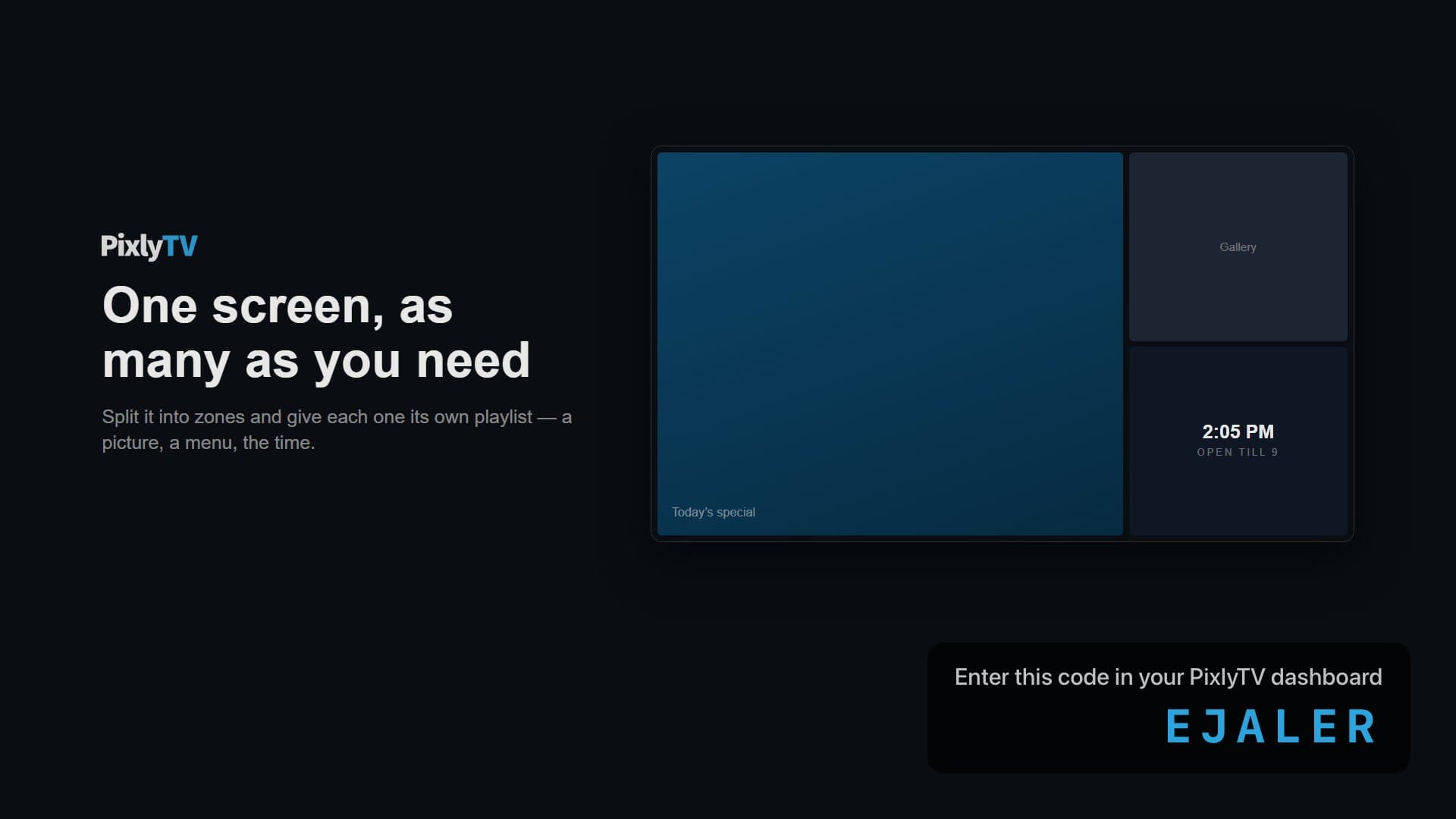
One screen split into regions, each playing its own loop.
From $7.99 per screen per month · 14 days free
Now hiring
Join the morning crew.
Ask at the counter
Text, shapes, pictures and QR codes, built in an editor with entrance animation.
From $7.99 per screen per month · 14 days free
Sales today
$4,812
▲ 12% vs last Monday
Orders
318
Web pages and dashboards on the wall, kept fresh on a schedule you set.
From $7.99 per screen per month · 14 days free
The hardware
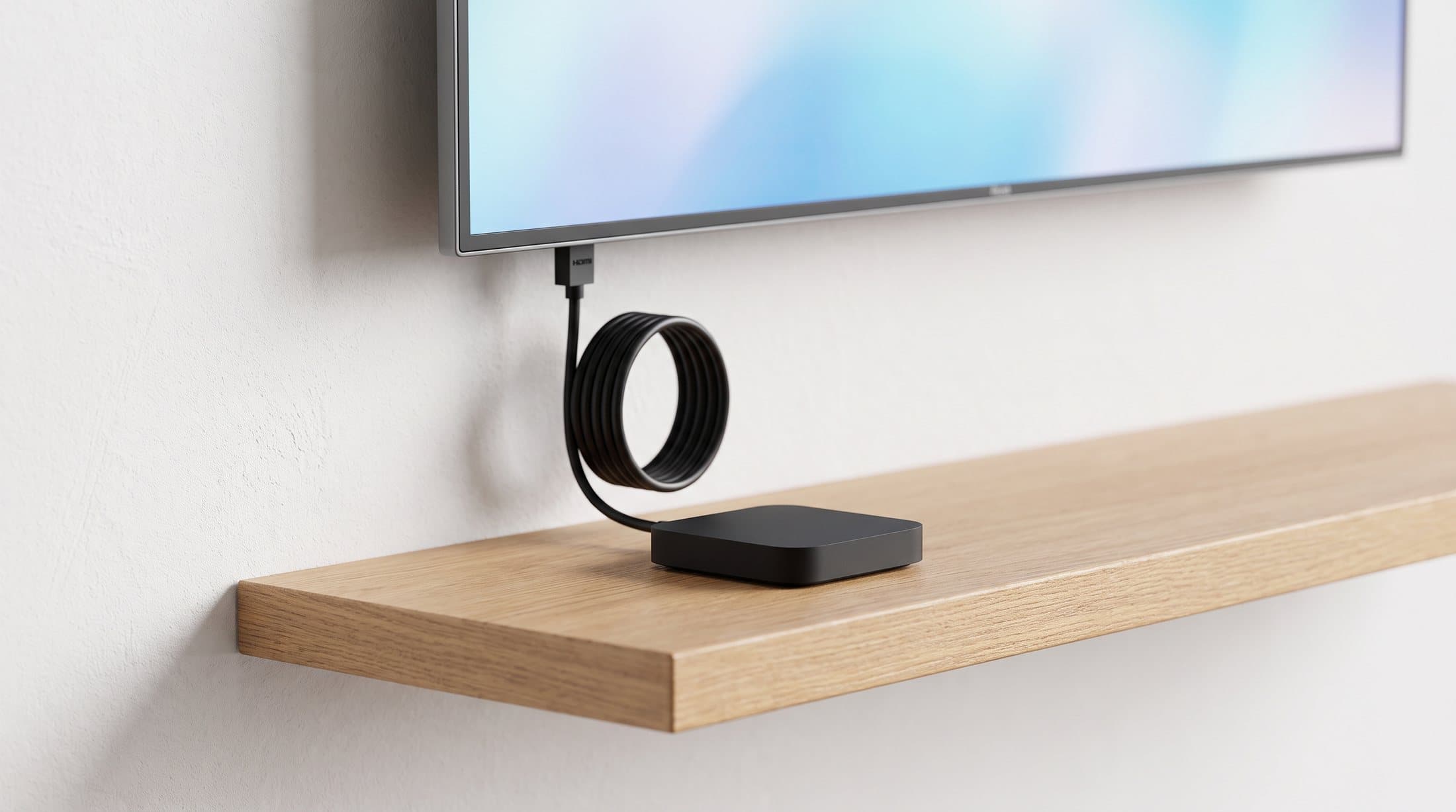
A Roku, Fire TV, Google TV, NVIDIA Shield or Apple TV from the nearest electronics shop is the whole install. If one fails on a Sunday, the replacement is a drive to the shops and about a minute to pair, not a support ticket and a week of downtime.
Five platforms, all from ordinary shops. Plug one in behind any TV with an HDMI port, open PixlyTV, and pair it with the six-character code it shows.
Roku
Roku OSStreaming Stick 4K · Ultra
Simple, neutral, inexpensive.
Google TV Streamer · Onn 4K Pro
Google Assistant and Chromecast built in.
Amazon
Fire OSFire TV Stick 4K Max · Fire TV Cube
Alexa built in; doubles as a smart-home hub.
NVIDIA
Android TVShield TV · Shield TV Pro
The power user's box, with AI 4K upscaling.
Apple
tvOSApple TV 4K
The flagship, with the native PixlyTV app.
Plug in a streaming box
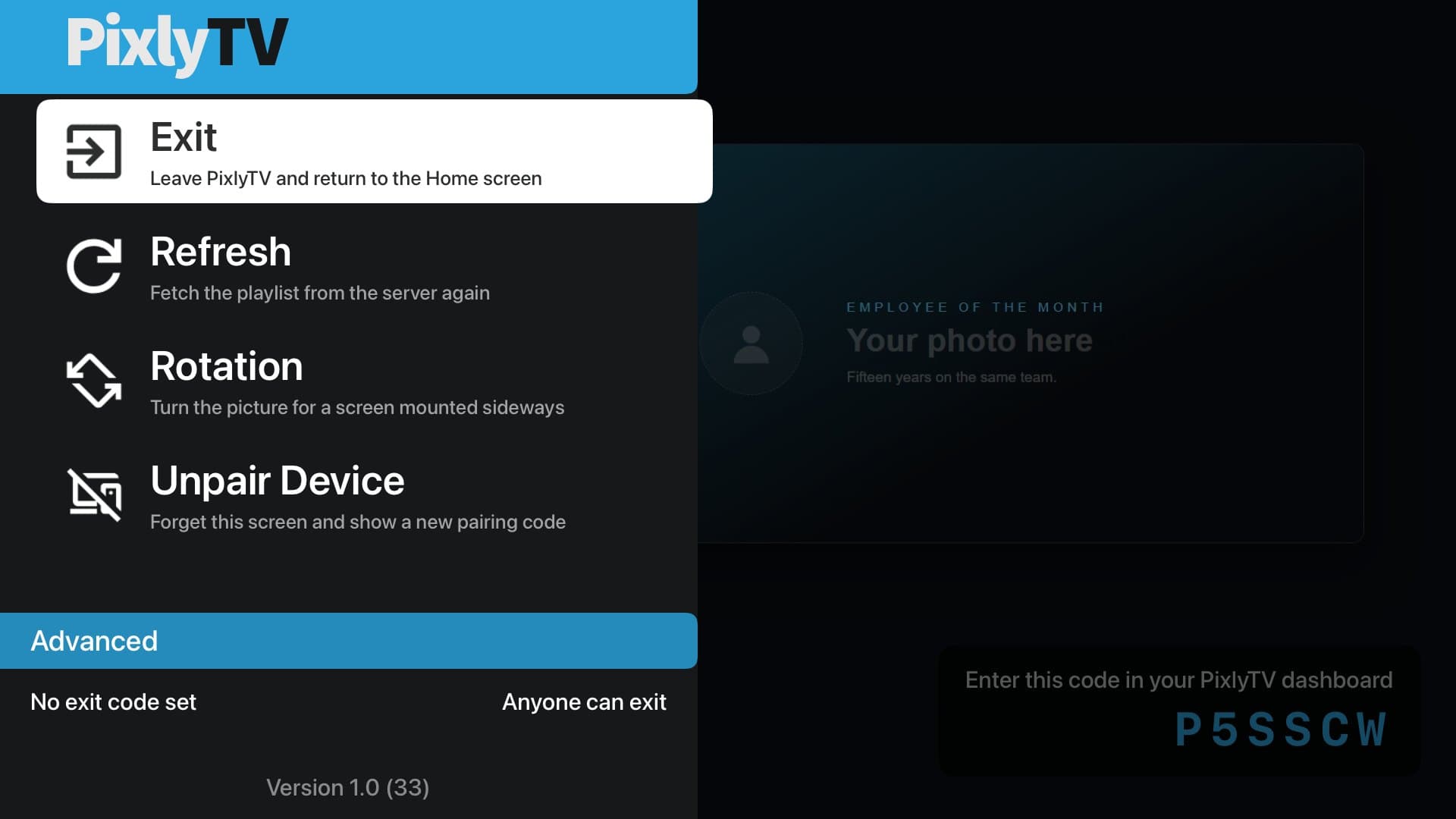
Roku, Fire TV, Google TV, Shield or Apple TV. Open PixlyTV on it; it shows a six-character code.
Pair it from your desk
Type the code into your dashboard. The screen is yours.
Send it something to play
Pictures, video, a design, a live page. On the wall in seconds.
Roku, Google TV, Fire TV, NVIDIA Shield and Apple TV 4K all pair the same way and show up on the same screens page. Any display with a browser can run the web player too, no streaming box required.
One dashboard, whatever the wall. Change what a screen says from your phone; it changes in the room in seconds.
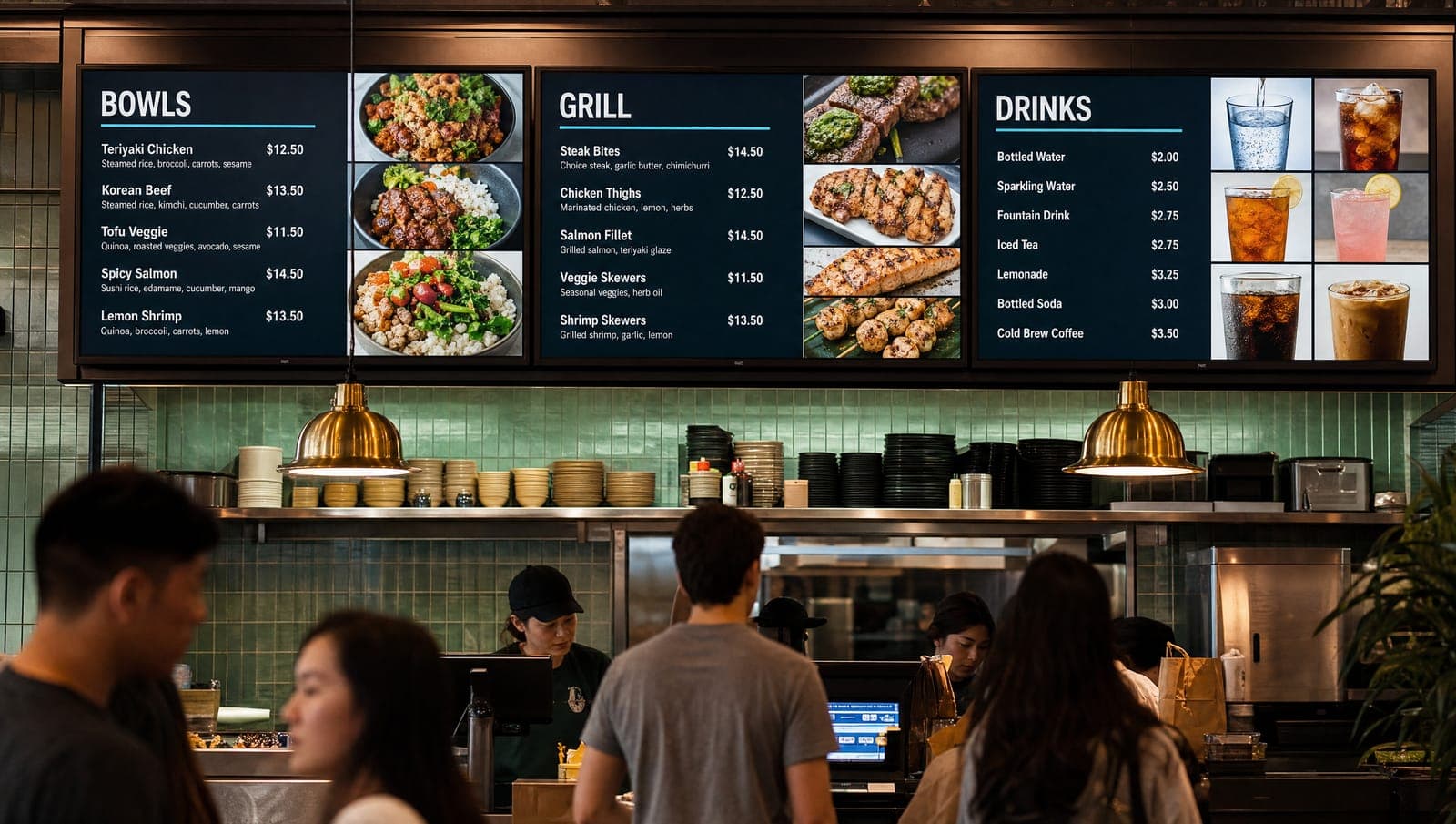
Restaurants
A menu wall that changes when the kitchen does.
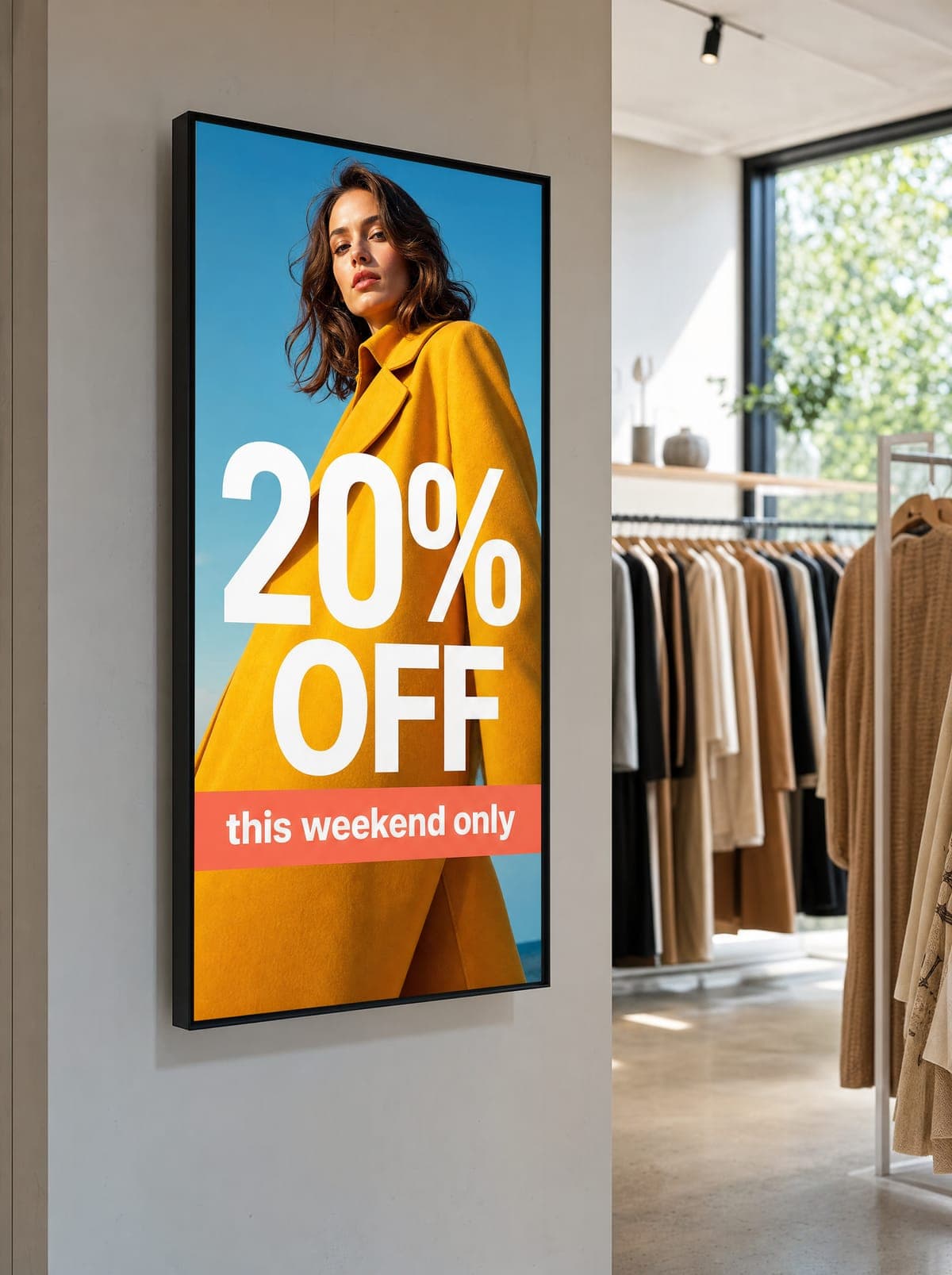
Retail
This weekend's promotion, on this weekend's screens.
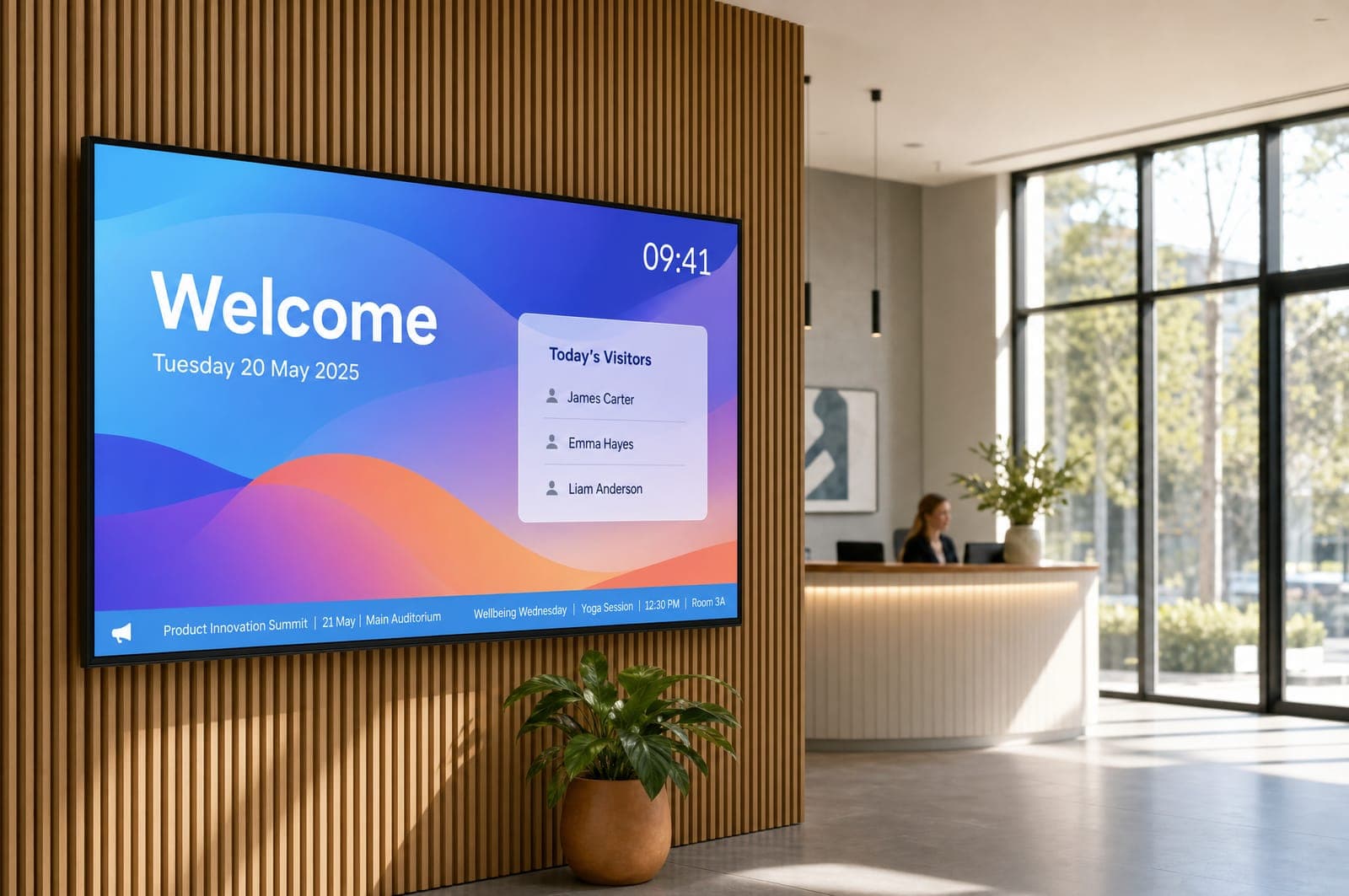
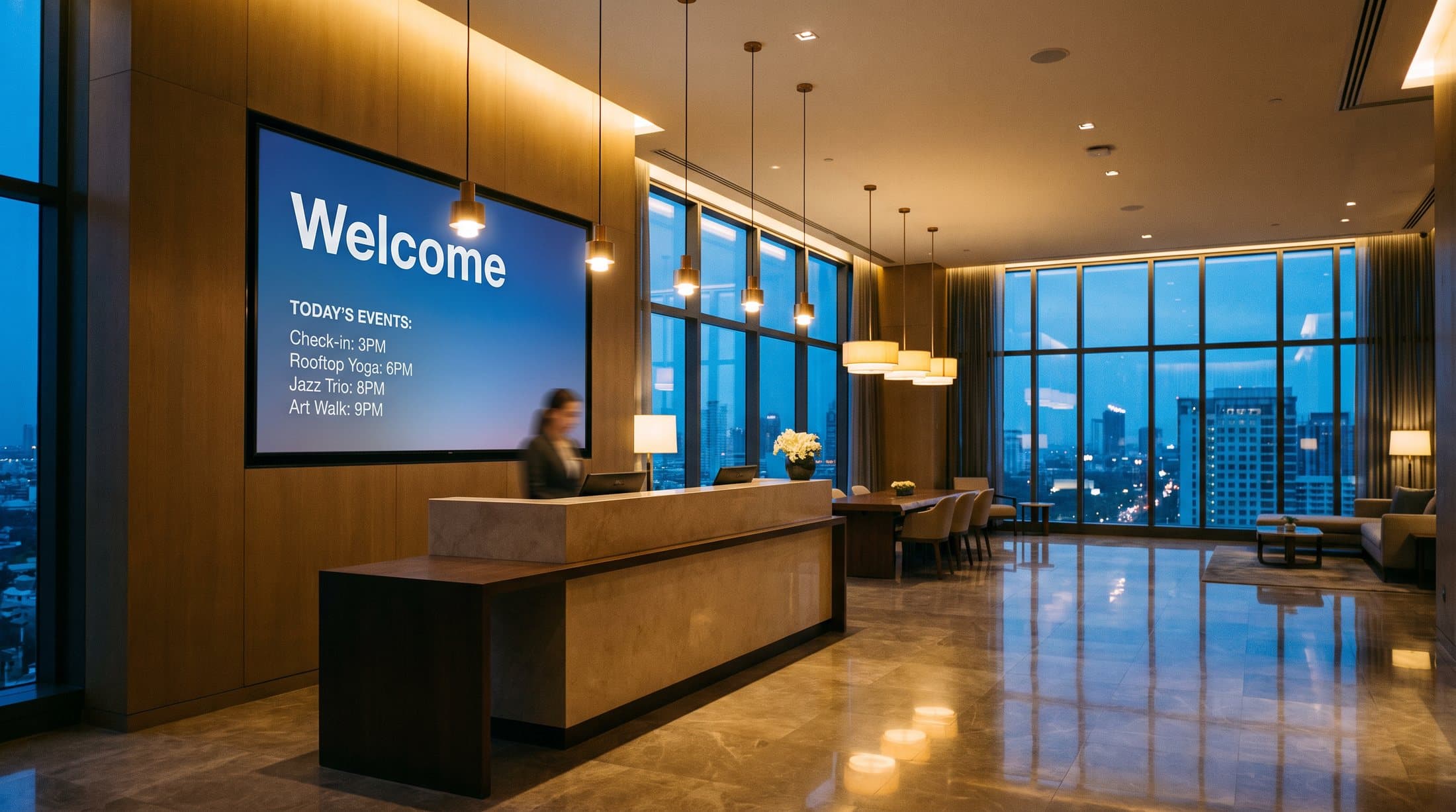
Offices
A welcome board that knows who's coming in.
The player and the dashboard are software. Zone backdrops, entrance animation, dayparting — each arrived as an update, and the screens on the wall picked it up without anyone touching them.
Per screen, per month. Fourteen days free, no card to start. Accounts are set up for you — your first screen runs the same day.
Starter
$7.99/ screen / month
For a single location
Agency Pro
$14.99/ screen / month
Everything, for teams and agencies
You'll need a streaming box and about five minutes. Sign in, pair the screen, and send it something to play.